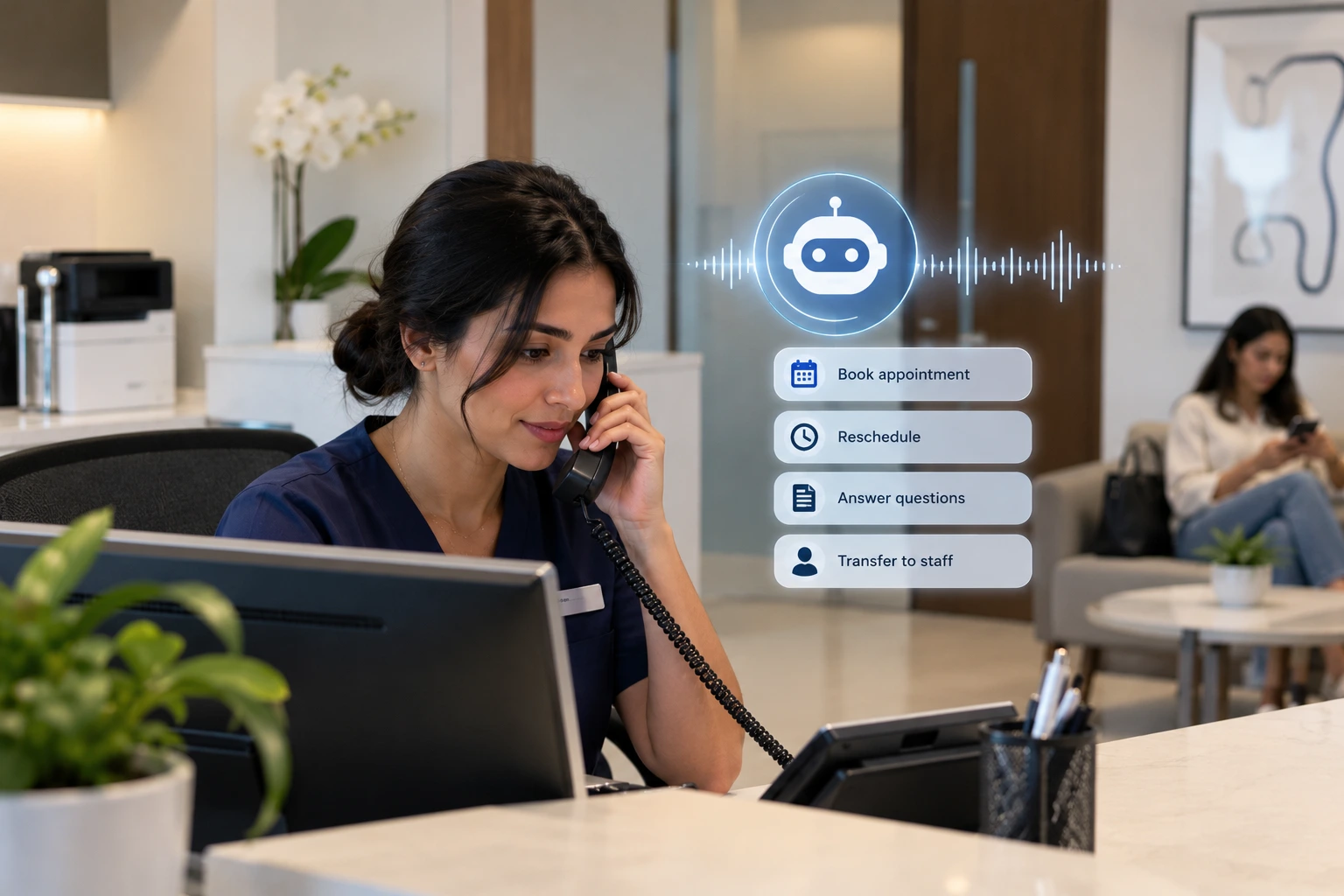
For a gynaecology clinic in the UAE, WhatsApp is probably the busiest front desk you have. Patients use it to book check-ups, move appointments, ask about prices and insurance, request directions and, sometimes, share worries they’d find hard to say out loud.
That mix is exactly what makes WhatsApp tricky. Automate too little, and your team drowns in “what time is my appointment?” messages. Automate too much, and a patient asking a deeply personal question gets a robotic reply at the worst possible moment.
The answer isn’t choosing between automation and the personal touch. It’s knowing which conversations belong to which. This guide gives you a simple rule for deciding, clear lists of what to automate and what to keep personal, and the setup that makes it work.
The simple rule: sensitivity and complexity
Every WhatsApp conversation can be judged on two questions:
- How sensitive is it? Does it touch on symptoms, results, pregnancy, fertility, sexual health or emotions?
- How complex is it? Can it be answered from clear, approved information, or does it need judgement?
| Low complexity | High complexity | |
|---|---|---|
| Low sensitivity | ✅ Automate fully (booking, directions, opening hours) | ⚙️ Automate, then hand over if needed (insurance questions, package details) |
| High sensitivity | 🤝 Automate the logistics only, with discreet wording (reminders, preparation instructions) | 👩⚕️ Always personal (symptoms, results, pregnancy concerns, emotional conversations) |
Most of the volume sits in the top-left. Most of the risk sits in the bottom-right. Design for both.
What to automate
These are high-volume, repetitive and answerable from approved information. Automating them gives patients instant answers at any hour and frees your team.
- Booking new appointments for check-ups, consultations, scans and screenings
- Rescheduling and cancelling, with available times offered right away
- Booking confirmations and reminders, written discreetly (see our appointment reminder templates)
- Preparation instructions before scans, procedures or tests, as approved by your clinicians
- Practical questions: opening hours, location, parking, which doctors are available, whether a female doctor can be booked
- Pricing and package information for routine services
- Insurance basics: which insurers you work with and what to bring
- Follow-ups for missed appointments, offering a new time
A quick example of a good automated exchange:
Patient: Hi, can I move my appointment on Thursday?
Clinic: Of course, Layla. Dr. Mariam has these times available: Saturday at 10am or Monday at 4pm. Which would you prefer?
Patient: Monday please
Clinic: Done! You’re booked with Dr. Mariam on Monday at 4pm. We’ll send you a reminder the day before.
What to keep personal
These conversations need a nurse, doctor or experienced team member. Automation’s job here is only to recognise them and hand them over quickly.
- Symptoms and “is this normal?” questions, including bleeding, pain or discharge
- Test and scan results, especially anything abnormal
- Pregnancy concerns, from early pregnancy worries to reduced movement later on
- Pregnancy loss, and any conversation where a patient is grieving or distressed
- Contraception, sexual health and fertility questions that need clinical advice
- Complaints, which deserve a human response and often a phone call
- Anything urgent, where the patient must be directed to emergency care immediately
As a rule: if the answer depends on the patient’s body, history or feelings, a person should give it.
The grey zone: handing over well
Many conversations start simple and become sensitive halfway through. A patient books a scan, then adds: “I’ve been having some pain, should I be worried?” The handover in that moment matters more than anything else in your WhatsApp setup.
A good handover:
- Acknowledges the patient kindly. “Thank you for telling us. That’s something our nurse should help you with directly.”
- Says what happens next and when. “A nurse will message or call you within the next 30 minutes.”
- Passes on the context, so the patient doesn’t have to repeat herself.
- Gives safety direction if needed. If there’s any sign of urgency, tell the patient where to get immediate care.
- Keeps the booking that was already made, unless the clinician changes it.
A bad handover is silence, a generic “please call the clinic”, or an automated reply that ignores what she just said.
Setting up WhatsApp properly
Use WhatsApp Business, not a personal number. For more than a handful of conversations a day, the WhatsApp Business Platform (API) lets several team members and systems work from one number, with proper records.
Get your message templates approved. Messages your clinic sends first, like reminders, generally need to use templates approved by Meta. Write them neutrally from the start.
Choose a discreet profile. Your business name and profile photo appear on patients’ phones. Consider how they look on a shared device.
Write for the lock screen. The first line of every message may appear as a notification. Keep it neutral: no departments, procedures or conditions. Our guide to private, sensitive patient communication has templates.
Respect consent and preferences. Record each patient’s preferred number, language and whether messages are welcome at all.
Keep data in the right place. Conversations about health are health data. In the UAE, check where your WhatsApp tools store and process them.
Set response-time targets. For example, automated answers instantly, clinical handovers within 30 minutes during opening hours, and a clear plan for evenings.
Where AI fits in
Simple WhatsApp automations, like auto-replies and quick-reply buttons, help with the basics. But they can’t hold a real conversation, book into your calendar or recognise when a routine question has turned into a sensitive one. That’s where an AI front desk helps.
Rābetica replies to patients on WhatsApp in seconds, 24/7, in Arabic or English. It books, reschedules and confirms appointments in your calendar, answers practical questions from your clinic’s approved information, and sends reminders before every visit. When a conversation becomes clinical or emotional, it hands over to your team rather than giving medical advice. Patient data is stored in the UAE.
In other words, it handles the top-left of the grid at any hour, so your team has the time and attention for the bottom-right. See how it works for women’s health clinics.
Frequently asked questions
Is it appropriate for a gynaecology clinic to use WhatsApp?
Yes, as long as it’s set up with privacy in mind. WhatsApp is how many patients in the UAE prefer to communicate. Keep automated messages neutral, avoid sharing results or clinical details, and route sensitive conversations to clinicians.
What can a gynaecology clinic automate on WhatsApp?
Booking, rescheduling, cancellations, confirmations, reminders, preparation instructions, practical questions such as hours and location, routine pricing and insurance basics, and follow-ups for missed appointments.
What should never be automated?
Anything involving symptoms, test results, pregnancy concerns or loss, clinical advice, complaints and urgent situations. Automation should only recognise these and hand them to a person quickly.
How should a clinic hand a WhatsApp conversation to a nurse?
Acknowledge the patient kindly, tell her who will respond and when, pass on the conversation context so she doesn’t repeat herself, and give clear safety direction if anything sounds urgent.
Can WhatsApp reminders reveal a patient’s treatment?
They can if they’re poorly written. Notification previews may be visible on a lock screen, so reminders should mention only the date, time, doctor and location, never the procedure or condition.
Do clinics need the WhatsApp Business API?
For small volumes, the WhatsApp Business app may be enough. Clinics with many conversations, several team members or automation and AI usually need the WhatsApp Business Platform, which supports approved message templates and system integrations.
The bottom line
WhatsApp lets gynaecology clinics be more available to patients than ever before. The clinics that use it best automate the routine without hesitation, and protect the personal with equal determination.
Automate the bookings, reminders and practical answers. Keep symptoms, results and emotional moments with your clinicians. And make the handover between the two smooth, kind and fast. Patients will feel looked after at every step, whether it’s 10am or 10pm.
Want WhatsApp conversations answered in seconds, with sensitive ones handed to your team? See how Rābetica works for women’s health clinics or book a 30-minute demo.