Most clinics in the UAE start WhatsApp the same way: someone downloads the WhatsApp Business app on the reception phone, adds the clinic logo and starts replying. It works, until it doesn’t. The phone has hundreds of unread chats, only one person can use it properly, reminders are sent by hand, and nobody can see what was promised to which patient.
That’s usually when someone mentions the WhatsApp Business API. It sounds technical, and the rules around it (templates, 24-hour windows, per-message pricing) can be confusing.
The short version: the WhatsApp Business API (officially the WhatsApp Business Platform) lets your clinic run WhatsApp from software instead of a single phone, so several staff and tools can answer on one number, reminders can be sent automatically, and conversations connect to your booking system. In exchange, you follow Meta’s rules on templates and opt-in, and you pay per message for some message types.
This guide explains the difference between the app and the API, the rules that matter for clinics, what changed in pricing in October 2026, and how to protect patient privacy.
WhatsApp Business app vs WhatsApp Business API
| WhatsApp Business app | WhatsApp Business API | |
|---|---|---|
| Who uses it | One phone (plus a few linked devices) | Any number of staff and tools through software |
| Best for | Small clinics with low message volume | Clinics with many chats, several staff or automation |
| Automated reminders | Manual, or very basic | Yes, using approved templates |
| Connects to booking system or AI | No | Yes |
| Shared team inbox and reporting | Limited | Yes, through a provider’s platform |
| Messages first to patients | Allowed, sent by hand | Only with approved templates |
| Cost | Free app | Per-message charges for some messages, plus provider fees |
A simple rule of thumb: if one receptionist can comfortably keep up with WhatsApp on one phone, the app is fine. If messages are piling up, more than one person needs to reply, or you want reminders and bookings to happen automatically, it’s time for the API.
The rules every clinic needs to understand
1. Message templates
Any message your clinic sends first, such as an appointment reminder or a follow-up, must use a template that Meta has approved. Templates fall into categories, mainly utility (appointment confirmations, reminders, updates) and marketing (offers, promotions, newsletters). Write your templates once, with placeholders for the patient’s name, date, time and doctor, and get them approved before you need them.
Keep clinical details out of templates. A reminder only needs the date, time, doctor and location. Our appointment reminder templates are written this way.
2. The 24-hour customer service window
When a patient messages your clinic, a 24-hour window opens. Inside it, you can reply freely, without templates. Once it closes, you can only reach that patient again with an approved template. In practice: answer fast, and finish what you need (booking, confirming, sending directions) while the window is open.
3. Opt-in
Patients need to have agreed to receive WhatsApp messages from your clinic before you send them templates. Collect consent at booking, on forms or on your website, and record it. It protects you, and it also keeps your number in good standing: numbers that patients block or report can be restricted.
4. Your display name and number
Your business display name is reviewed by Meta and appears on patients’ phones. Choose something patients recognise, and for sensitive specialties, think about how it looks on a shared phone.
How WhatsApp Business API pricing works (and what changed in October 2026)
Since July 2025, Meta charges per message delivered, with a rate that depends on the message category and the recipient’s country. On 1 October 2026, Meta changed the rules again, and clinics should know about it:
| Message type | Example | How it’s charged from 1 Oct 2026 |
|---|---|---|
| Marketing template | A promotion or seasonal offer | Charged every time it’s delivered |
| Utility template | Appointment confirmation or reminder | Charged per message, including inside the 24-hour window |
| Service message | Your free-form reply after a patient writes to you | First 1,000 per number each month are free, then charged per message |
What this means for a clinic:
- Reminders now always cost something, but utility messages are among the cheapest categories. For most clinics, one prevented no-show pays for many reminders.
- Busy inboxes may pass the free 1,000 replies. Count your monthly replies to estimate the impact.
- Fewer, better messages save money. Combine information into one clear reply instead of five short ones.
- Marketing messages are the most expensive and the most likely to annoy patients. Use them sparingly, and only with consent.
On top of Meta’s charges, your WhatsApp provider or platform usually charges a monthly fee. Rates per country change regularly, so check Meta’s official pricing page and your provider for current UAE rates.
How to get started
- Choose how you’ll connect. Most clinics don’t connect to the API directly. They use a Business Solution Provider (BSP) or a platform built on the API, such as a shared inbox, a CRM or an AI front desk.
- Verify your business with Meta through Meta Business Manager, with your trade licence details.
- Decide on the number. Use your clinic’s main WhatsApp number if patients already know it.
- Prepare and submit your templates: booking confirmation, reminders, rescheduling, missed-appointment follow-up.
- Set up opt-in in your booking flow and forms.
- Connect your booking system, so confirmations and reminders are triggered automatically.
- Define the handover rules: which conversations go to which team member, and what is never answered automatically.
Can we keep using the WhatsApp Business app?
Yes, in many cases. Meta’s Coexistence feature lets a number that’s already on the WhatsApp Business app connect to the API while staying active in the app, so staff can keep replying on the phone while automation runs on the same number. It only works for numbers registered on the WhatsApp Business app, not on regular WhatsApp. Ask your provider whether they support it before you migrate, because moving a number fully to the API without Coexistence can remove the chat history from the phone.
Patient privacy: what UAE clinics should check
WhatsApp conversations about appointments and symptoms can count as health data, and UAE law generally requires health data from care in the UAE to be stored and processed inside the country. A few practical rules:
- Ask your provider where conversations are stored and processed after they leave WhatsApp: the inbox, the CRM, any AI tool and any transcription of voice notes.
- Keep clinical detail out of templates and automated messages. No diagnoses, results or treatment names in reminders.
- Use the API, not staff’s personal phones, so conversations stay on clinic systems with proper access controls.
- Limit who can see what. Not every team member needs every conversation.
- Send results and sensitive news through a clinician, not WhatsApp automation.
Our guide to patient data privacy in the UAE explains the law in more detail, and our article on WhatsApp for gynaecology clinics covers what to automate and what to keep personal.
Where an AI front desk fits
The API is the pipe. What you connect to it decides how much work it saves. A shared inbox helps your team reply faster. An AI front desk can reply for them, instantly, at any hour.
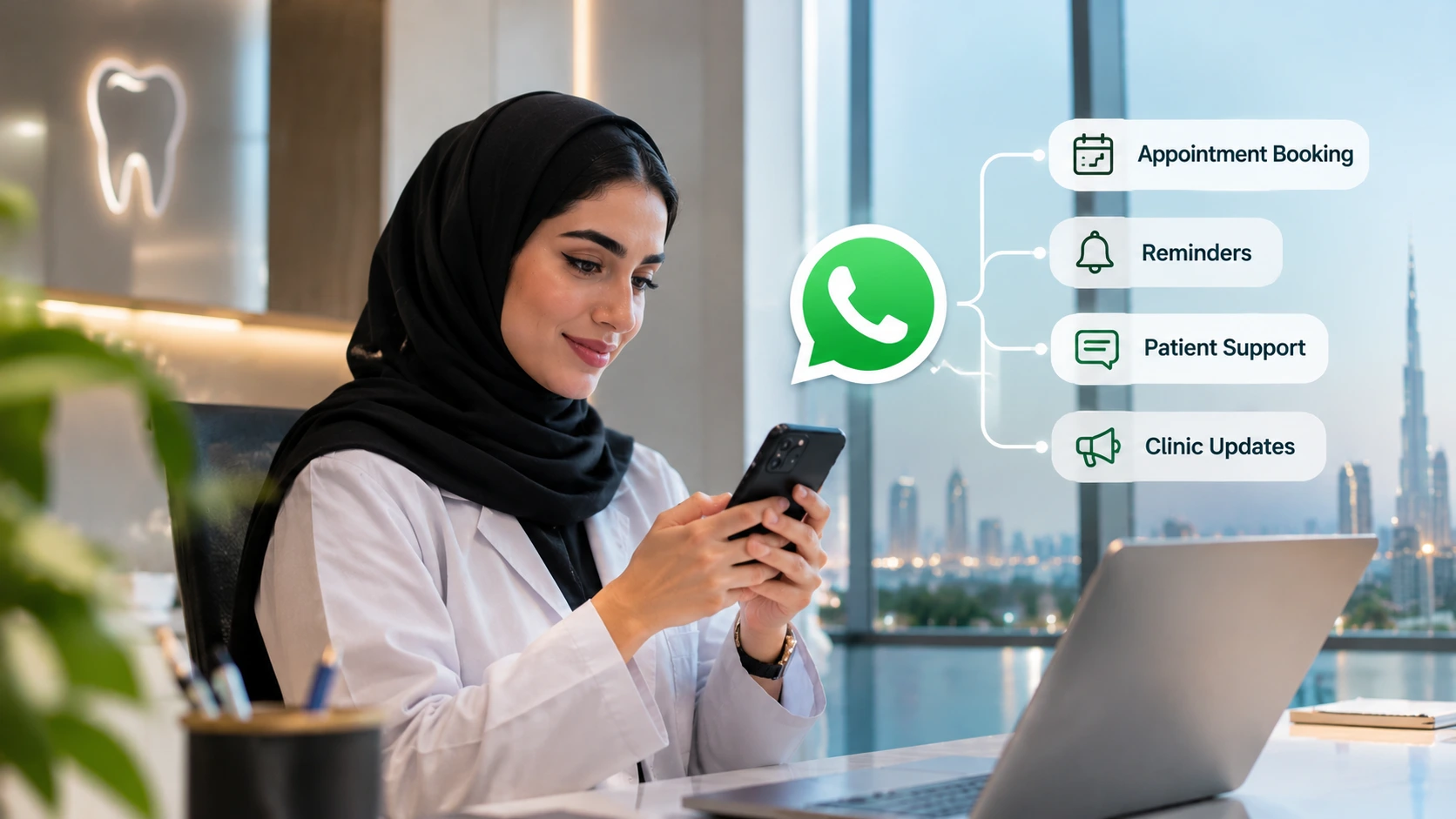
Rābetica connects to your clinic’s WhatsApp and phone line and answers patients 24/7, in Arabic or English. It books and reschedules appointments directly in your calendar, sends reminders, understands voice notes, answers common questions from your clinic’s approved information and hands sensitive or clinical conversations to your team. Patient data is stored in the UAE.
That means more of your patients’ messages are answered inside the 24-hour window, bookings happen in a single conversation, and your team spends less time on the phone at reception.
Frequently asked questions
What is the WhatsApp Business API?
It’s Meta’s platform (officially the WhatsApp Business Platform) that lets businesses send and receive WhatsApp messages through software, so several staff members, booking systems and AI tools can use one WhatsApp number.
Do clinics need the WhatsApp Business API?
Not always. Small clinics with low message volume can manage with the WhatsApp Business app. Clinics with many conversations, several staff replying, or automated reminders and bookings usually need the API.
How much does the WhatsApp Business API cost in the UAE?
Meta charges per delivered message, with rates by category and country, and your provider usually adds a platform fee. Since 1 October 2026, utility templates such as reminders are charged per message, and free-form replies are free up to 1,000 per number each month. Check Meta’s current rate card for UAE prices.
Can a clinic send appointment reminders on WhatsApp?
Yes, using approved utility templates, to patients who have agreed to receive WhatsApp messages from the clinic.
What is the 24-hour window on WhatsApp?
When a patient messages your business, you have 24 hours to reply freely. After that, you can only contact them with an approved template until they message again.
Can we use the WhatsApp Business app and the API on the same number?
Often yes, through Meta’s Coexistence feature, if the number is registered on the WhatsApp Business app and your provider supports it.
Is WhatsApp safe for patient communication?
It can be, if you keep clinical details out of automated messages, use proper clinic systems instead of personal phones, control access and check where your provider stores and processes data.
The bottom line
The WhatsApp Business app is a great start. The API is what lets WhatsApp grow with your clinic: a shared number, automated reminders, bookings connected to your calendar, and the option to let AI answer when your team can’t. Learn the few rules that matter (templates, the 24-hour window, opt-in and the new per-message pricing), keep clinical detail out of automation, and WhatsApp becomes your most reliable front desk.
Want WhatsApp messages answered and booked in seconds, in Arabic and English? Book a 30-minute demo with Rābetica.